
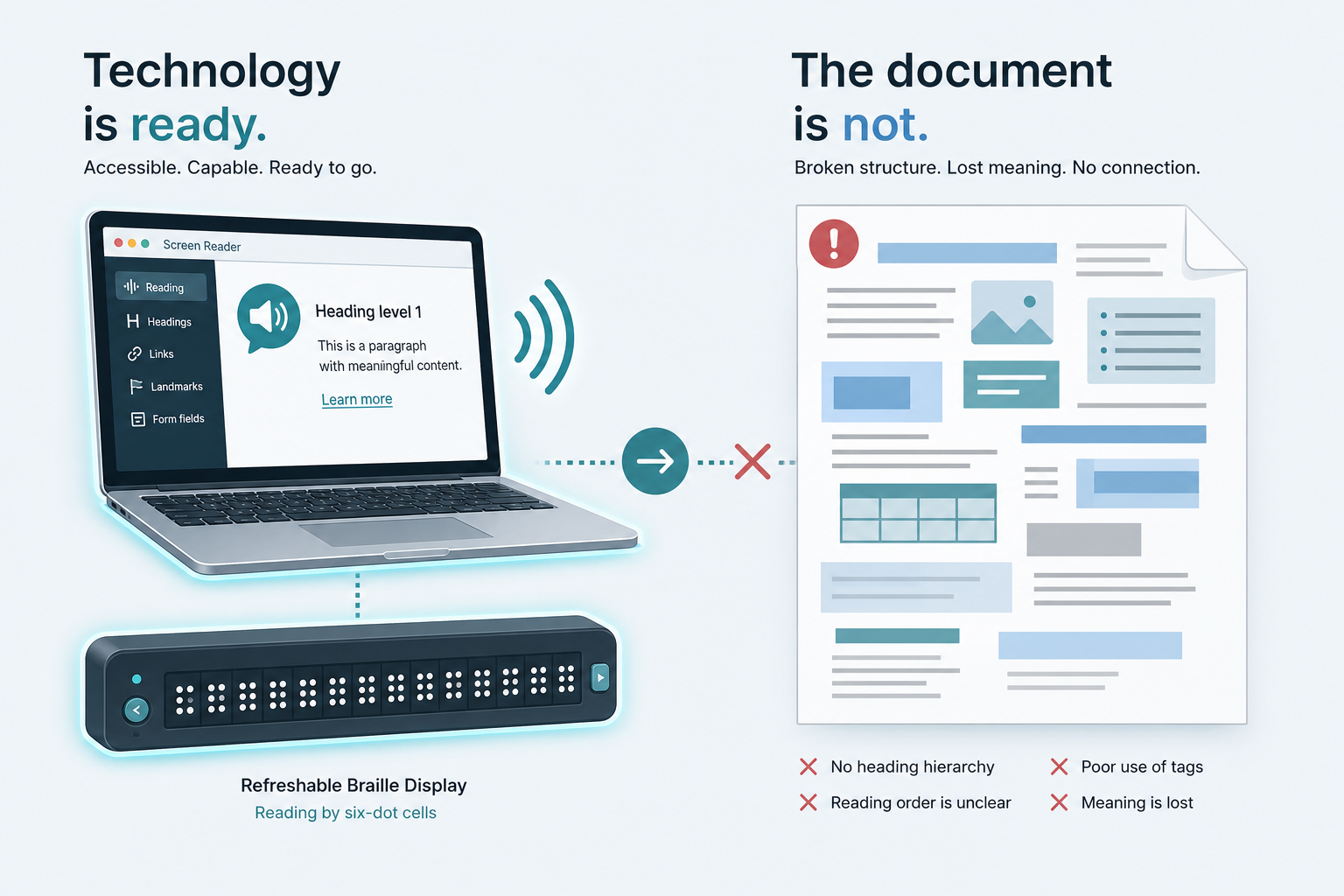
Teams buy new assistive technology licenses and train students on advanced navigation — then hand them faculty PDFs with no reading order. The AT works. The content sabotages it.
Modern screen readers and Braille displays are remarkably capable. The bottleneck for document accessibility compliance is almost always upstream structure, not the technology in the student's hands.
AT failure modes are usually content failure modes
| Student report | Actual cause |
|---|---|
| "Screen reader jumps around" | Multi-column PDF reading order |
| "Table makes no sense" | Missing header tags |
| "Equation not read" | Image-only math |
| "BRF is garbled" | OCR text without structure cleanup |
| "Document too slow to navigate" | No heading structure |
Do not blame the AT until the structure is correct.
Structure fixes with the highest impact
From Morf's work alongside assistive technology users and accessibility professionals across university and research deployments, ranked by impact:
- Heading hierarchy — enables navigation by section
- Table header scope — unlocks data comprehension
- Reading order repair — fixes column and scan layouts
- MathML for equations — enables formula navigation
- Meaningful figure descriptions — separates data charts from decoration
These five changes outperform 100 generic alt-text edits on icons.
Testing with real AT — minimum protocol
- NVDA or JAWS — navigate by headings through the full document
- One complex table — verify header announcements
- One equation or chart — verify content, not label-only alt text
- Braille display spot-check — if BRF is a deliverable
Pass criteria: a student can complete the academic task (find section, read data, follow math) — not merely hear text aloud.
Cooperative content vs. compliant appearance
A PDF can look identical before and after remediation. Cooperative content changes the underlying structure — the roles, order, and relationships AT depends on.
A polished appearance without real structure is the most common failure mode in institutional document workflows.
Where Morf Transformation fits
Ingest → structure repair → validation → multi-format delivery — built from research partnerships with educators and AT users, not checkbox automation alone.
What changes in your pipeline tomorrow
Tomorrow: Pair one student AT user (or a skilled staff tester) with one flagged PDF for a 15-minute navigation test. Log every stop point where navigation breaks. That log becomes your structure repair spec — not a generic "fix accessibility" ticket.
Next step: Upload the failing document and re-test after transformation.